Table of Contents
- Payroll management software for small business: Key Features to Look For
- Payroll management software for small business: Implementation Tips
- Cost Considerations and Return on Investment
- Integrating Payroll with Other Business Systems
- Security and Data Privacy
- Choosing the Right Vendor
- Real‑World Example: A Startup’s Journey
- Tips for Ongoing Optimization
Running a small business often feels like juggling several balls at once—sales, marketing, inventory, and the ever‑present need to keep employees motivated and paid on time. While the core of any company is its product or service, the payroll process is the invisible engine that keeps the team moving forward. In recent years, payroll management software for small business has transformed from a luxury to a necessity, offering automation, accuracy, and peace of mind.
Small business owners used to rely on spreadsheets, manual calculations, or even outsourced accountants to handle payroll. Those methods, however, are prone to errors, time‑consuming, and can quickly become non‑compliant with evolving tax regulations. The shift toward dedicated payroll solutions means that even a team of five can benefit from the same level of precision and reporting that large enterprises enjoy.
This article explores the landscape of payroll management software for small business, guiding you through the essential features, selection criteria, and best practices for a smooth implementation. Whether you are launching a startup or looking to upgrade an outdated system, the insights below will help you make an informed decision.
Payroll management software for small business: Key Features to Look For
When evaluating any solution, start with the fundamentals that directly impact daily operations. The right payroll management software for small business should provide:
- Automated tax calculations – Federal, state, and local taxes are computed automatically, reducing the risk of costly penalties.
- Direct deposit and pay‑card options – Employees receive their wages quickly, and you avoid the hassle of printing checks.
- Compliance alerts – Real‑time updates on labor law changes keep you compliant without constant manual research.
- Employee self‑service portal – Staff can view pay stubs, request time off, and update personal details, freeing HR time.
- Integration capabilities – Seamless connection with accounting, time‑tracking, and benefits platforms eliminates double entry.
- Scalable pricing – Pay‑as‑you‑grow models ensure you only pay for the features you need today.
Beyond these basics, look for analytics dashboards that reveal labor cost trends, overtime patterns, and forecasted cash‑flow impacts. Such insights are invaluable for budgeting and strategic planning.
Payroll management software for small business: Implementation Tips
Choosing the right tool is only half the battle; a successful rollout hinges on thoughtful preparation. Follow these steps to minimize disruption:
- Map existing processes – Document how you currently collect hours, calculate wages, and file taxes. Identifying bottlenecks helps you match software capabilities to real needs.
- Engage employees early – Explain the benefits of the new system and offer brief training sessions. When staff understand the self‑service portal, adoption rates soar.
- Test with a pilot group – Run a parallel payroll cycle for a small subset of employees. This safety net catches configuration errors before full deployment.
- Set up compliance checks – Verify that tax rates, deduction rules, and benefit structures are correctly entered. Many vendors provide built‑in validation tools.
- Document SOPs – Create a simple standard‑operating‑procedure manual covering data entry, approvals, and reporting. Future hires will appreciate clear guidelines.
Remember that most cloud‑based payroll platforms offer dedicated support during the onboarding phase. Leverage their expertise to smooth out any hiccups.
Cost Considerations and Return on Investment
Small businesses often operate on tight margins, so understanding the financial implications of payroll management software for small business is crucial. Pricing models typically fall into three categories:
- Subscription per employee – A fixed monthly fee per active user, ideal for businesses with stable headcounts.
- Tiered packages – Bundles that add features such as benefits administration or advanced reporting as you move up tiers.
- Pay‑as‑you‑go – Charges based on payroll runs, suitable for seasonal businesses with fluctuating payroll volumes.
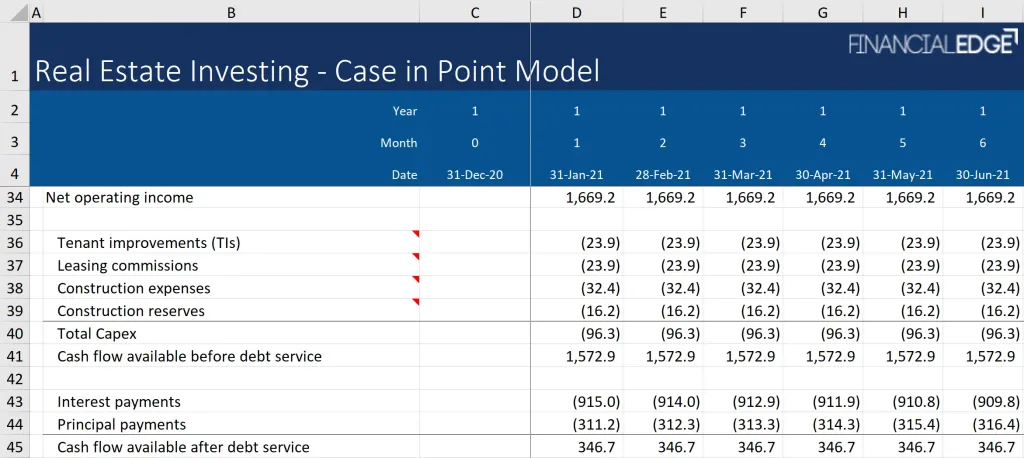
While the upfront cost may seem higher than a spreadsheet, calculate the hidden savings: reduced manual labor, fewer compliance penalties, and faster access to accurate financial data. Many owners report a break‑even point within six months due to time reclaimed for core business activities.
Integrating Payroll with Other Business Systems
One of the strongest advantages of modern payroll management software for small business is its ability to talk to other tools. For example, linking payroll with an accounting system eliminates duplicate data entry, ensuring that expenses flow directly into your general ledger. This integration also simplifies audit trails and financial reporting.
If you already use a human resources software for small businesses, choose a payroll solution that offers native connectors or API access. The smoother the data exchange, the less you’ll need to intervene manually.
Security and Data Privacy

Payroll data is among the most sensitive information a company holds. When selecting payroll management software for small business, prioritize vendors that provide:
- Encryption at rest and in transit.
- Two‑factor authentication for admin accounts.
- Regular third‑party security audits and SOC 2 compliance.
- Granular permission settings, allowing you to limit access based on roles.
Additionally, verify the provider’s data retention policy and backup procedures. In the event of a breach or system outage, you want assurance that your payroll records remain intact and recoverable.
Choosing the Right Vendor
Not all payroll platforms are created equal. Consider the following criteria when comparing vendors:
- Industry focus – Some solutions specialize in retail, hospitality, or professional services. An industry‑specific system may include pre‑configured wage rules or tip reporting.
- Customer support – 24/7 live chat or phone support can be a lifesaver during tax filing season.
- User reviews – Look for feedback from other small business owners about reliability and ease of use.
- Future roadmap – Vendors that regularly release updates signal a commitment to staying current with regulations.
For a broader perspective, you might also explore how payroll needs evolve for larger organizations. The article Payroll Software for Medium Sized Business – A Comprehensive Guide provides a useful contrast that can help you anticipate future requirements.
Real‑World Example: A Startup’s Journey
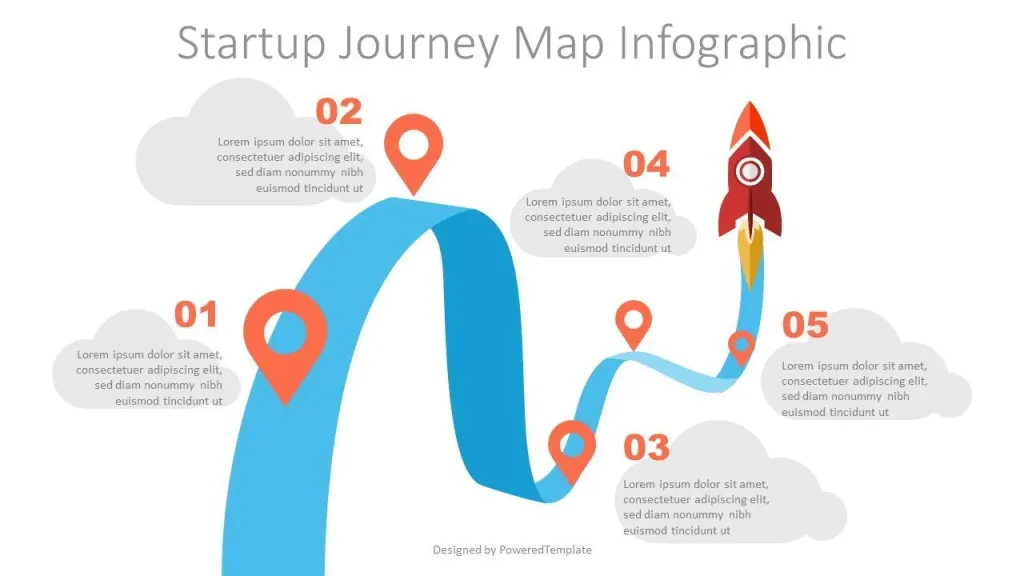
Consider a tech startup with 12 employees that initially processed payroll using an Excel sheet. After a missed tax deadline resulted in a $1,200 penalty, the founder invested in a cloud‑based payroll management software for small business. Within three months, the company achieved:
- Zero late tax filings.
- 30% reduction in time spent on payroll processing.
- Improved employee satisfaction, as staff accessed payslips instantly via the self‑service portal.
The startup’s CFO later integrated the payroll system with their accounting software, eliminating manual journal entries and reducing month‑end close time by two days. This example illustrates how even modest teams reap measurable benefits from adopting dedicated payroll technology.
Tips for Ongoing Optimization
After the initial implementation, keep your payroll management software for small business performing at its best by:
- Scheduling quarterly reviews of tax tables and deduction settings.
- Training new hires on the self‑service portal within their first week.
- Monitoring usage analytics to identify features that are underutilized.
- Staying informed about upcoming regulatory changes through the vendor’s newsletters.
Continuous refinement ensures that the system remains aligned with both compliance demands and business growth.
In summary, adopting payroll management software for small business is no longer a “nice‑to‑have” but a strategic move that safeguards compliance, frees up valuable time, and provides actionable financial insights. By focusing on core features, thoughtful implementation, and ongoing optimization, small business owners can transform payroll from a monthly headache into a streamlined, value‑adding process.