Table of Contents
Running a small business means wearing many hats, and the accounts payable (AP) function is often one of the most time‑consuming. Every invoice that arrives must be captured, approved, matched to a purchase order, and finally paid—all while keeping an eye on cash flow and compliance. When these steps are handled manually, errors creep in, payments are delayed, and valuable staff time is wasted on repetitive data entry.
Enter ap automation software for small business. This category of tools takes the repetitive parts of the AP cycle and automates them, allowing owners and finance teams to focus on strategic tasks such as negotiating better terms with suppliers or analyzing spend patterns. The technology has matured to the point where even companies with only a handful of employees can reap the same efficiency gains once reserved for large enterprises.
In the sections that follow, we will explore the core components of ap automation software for small business, outline the most common benefits, and provide practical guidance on how to select a solution that fits your budget and operational needs. By the end, you should have a clear picture of what to expect from an automation platform and how to implement it without disrupting daily operations.
AP Automation Software for Small Business: Benefits and Features
Automation platforms are built around a few fundamental capabilities that together transform the way invoices are processed. Understanding these features helps you evaluate whether a particular product aligns with your company’s workflow.
- Invoice Capture: Optical character recognition (OCR) and AI‑driven data extraction turn scanned PDFs or email attachments into structured data that can be routed automatically.
- Three‑Way Matching: The system compares the invoice against the purchase order and receipt, flagging mismatches before a payment is issued.
- Workflow Automation: Custom approval paths ensure that the right manager signs off, with escalation rules for overdue approvals.
- Payment Integration: Direct connections to banks or payment services enable electronic funds transfer (EFT), ACH, or virtual card payments from within the platform.
- Reporting & Analytics: Dashboards provide visibility into spend by vendor, payment status, and cash‑flow forecasts.
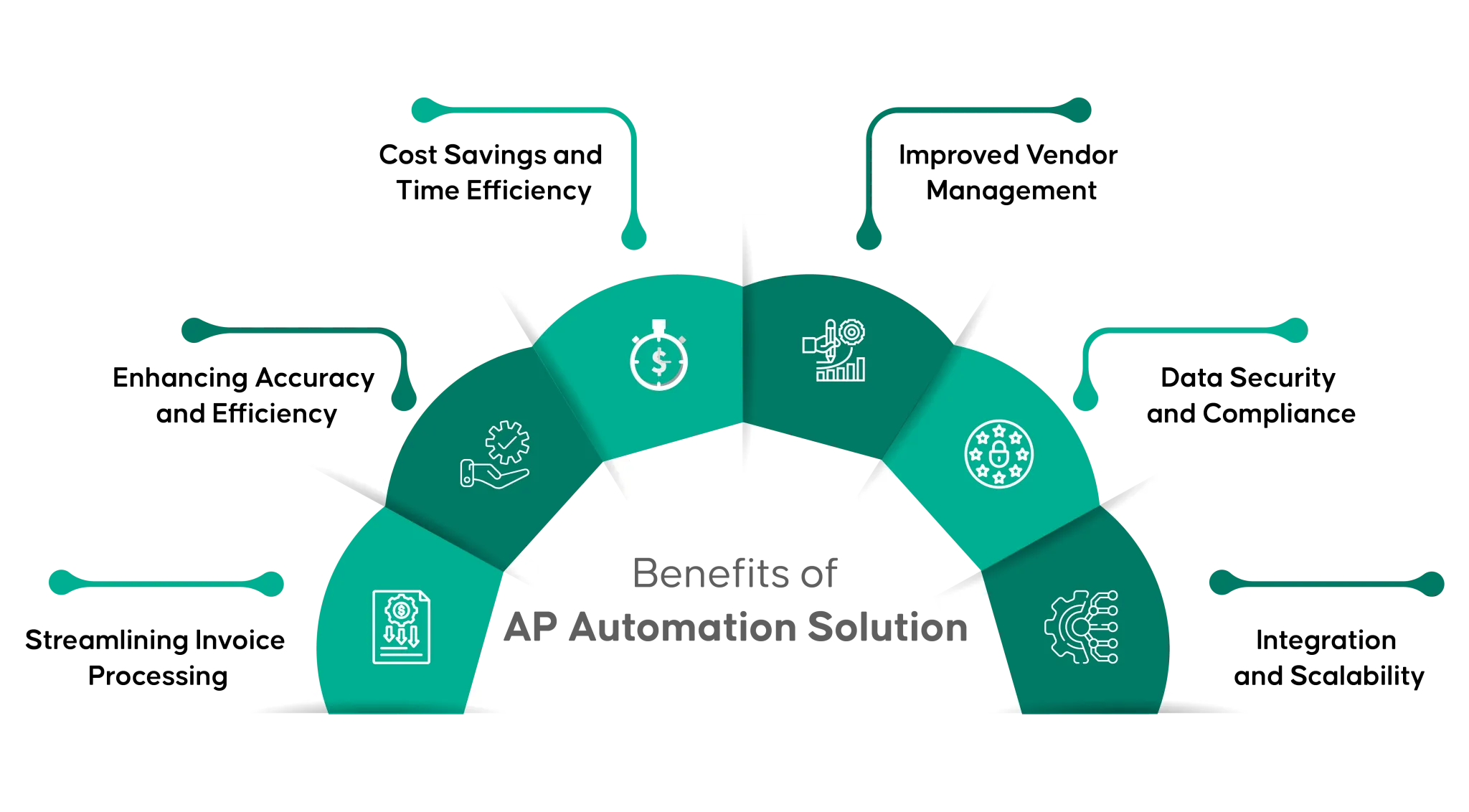
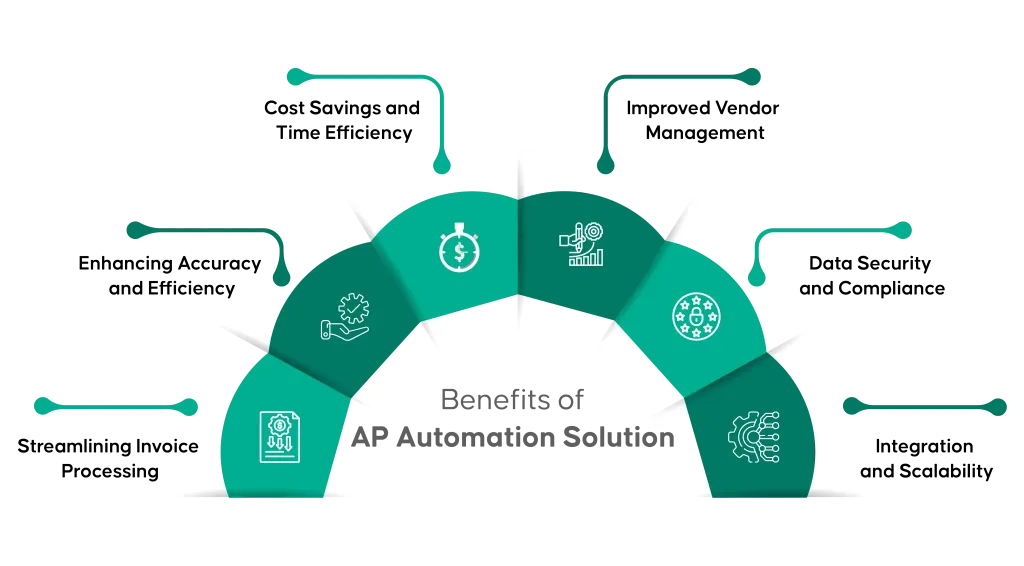
When a small business adopts ap automation software for small business, the most immediate impact is a reduction in manual data entry. Employees no longer need to retype every line item; the OCR engine does the heavy lifting. This alone can cut processing time by 50‑70 % and dramatically lower the risk of transcription errors.
Beyond speed, the consistency introduced by automation improves compliance. Every invoice follows the same validation rules, creating an audit trail that satisfies both internal policies and external regulators. For companies that must adhere to Sarbanes‑Oxley (SOX) or industry‑specific standards, that traceability is a priceless safeguard.
Choosing AP Automation Software for Small Business: Key Considerations
Not all automation tools are created equal, and the best choice depends on several practical factors. Below is a checklist that small‑business owners can use during the selection process.
- Scalability: Even if you have only 10 invoices a month today, look for a platform that can handle growth without a steep price increase.
- Integration Capability: Your existing accounting system—whether it’s QuickBooks, Xero, or a more robust ERP—should connect seamlessly to avoid duplicate data entry.
- Pricing Model: Many vendors offer subscription pricing based on the number of invoices processed. Compare per‑invoice costs against your average monthly volume.
- User Experience: A clean, intuitive interface reduces training time. Request a demo and involve the staff who will use the system daily.
- Security & Compliance: Ensure the solution provides encryption at rest and in transit, role‑based access controls, and compliance certifications relevant to your industry.
For a real‑world perspective on pricing, you might consult a detailed analysis such as How Much Is NetSuite Accounting Software? Pricing Details Explained. While NetSuite is an enterprise‑grade system, the article outlines how subscription fees are typically structured, which can help you benchmark costs for smaller‑scale automation tools.
Another factor to weigh is the level of support offered. Small businesses often lack a dedicated IT department, so a vendor that provides responsive onboarding, live chat, and a robust knowledge base can make the difference between a smooth rollout and a stalled project.
Implementation Steps for Small Businesses
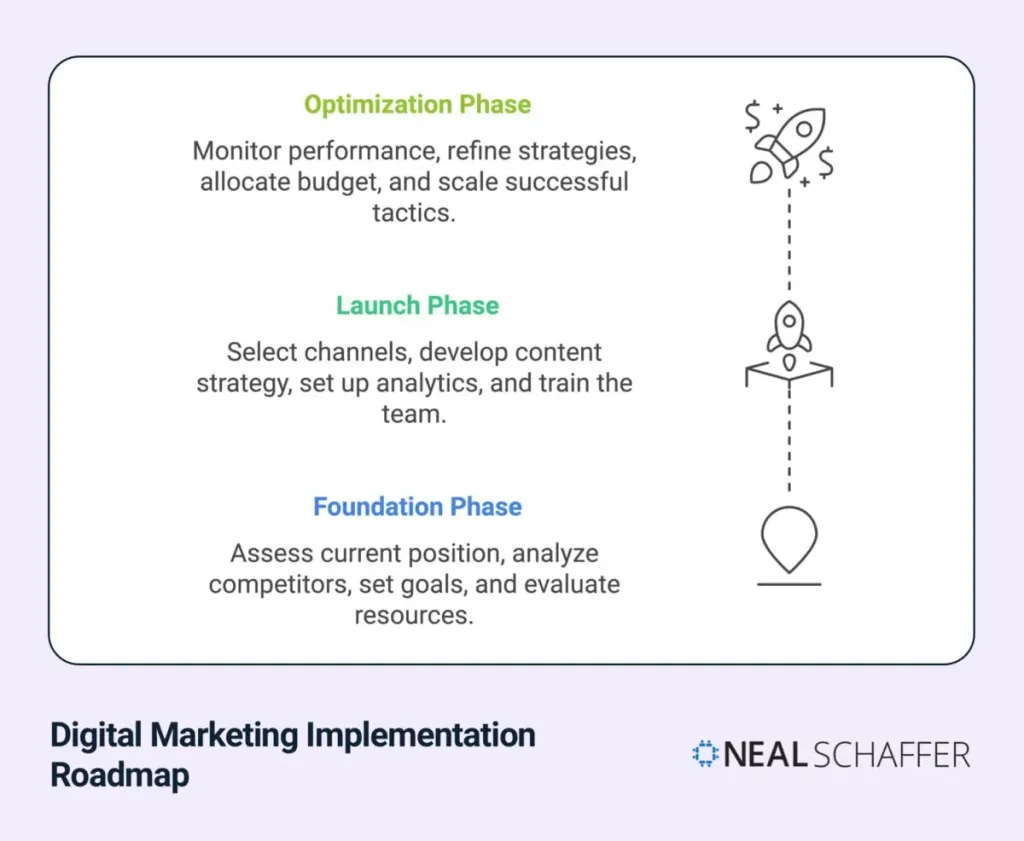
Deploying ap automation software for small business is not a plug‑and‑play event; it requires a disciplined approach to ensure data integrity and user adoption. Below is a step‑by‑step roadmap that aligns with the typical budget and resource constraints of a small organization.
- Map Your Current AP Process: Document every step from invoice receipt to payment, noting bottlenecks and manual touchpoints.
- Select a Pilot Vendor: Choose a solution that offers a free trial or a limited‑user sandbox. Run a pilot with a subset of vendors to test OCR accuracy and workflow routing.
- Configure Approval Workflows: Align the system’s approval matrix with your internal hierarchy. Set up notifications so approvers receive alerts on mobile devices.
- Migrate Historical Data: Import open invoices and vendor master data. Most platforms provide CSV import templates to simplify this step.
- Train End Users: Conduct short, hands‑on sessions focusing on invoice capture, exception handling, and report generation.
- Go Live and Monitor: Launch the system for all invoices. Use the built‑in analytics to track processing time, error rates, and cash‑flow impacts during the first 30‑60 days.
- Iterate: Gather feedback, refine approval rules, and explore advanced features such as dynamic discounting or vendor portals.
During the rollout, it can be helpful to cross‑reference other software solutions you already use. For instance, if you have a general ledger system, reviewing General Ledger Software for Small Business – A Complete Guide can reveal integration points and ensure that posted entries flow automatically from your AP automation platform.
Cost Savings and ROI
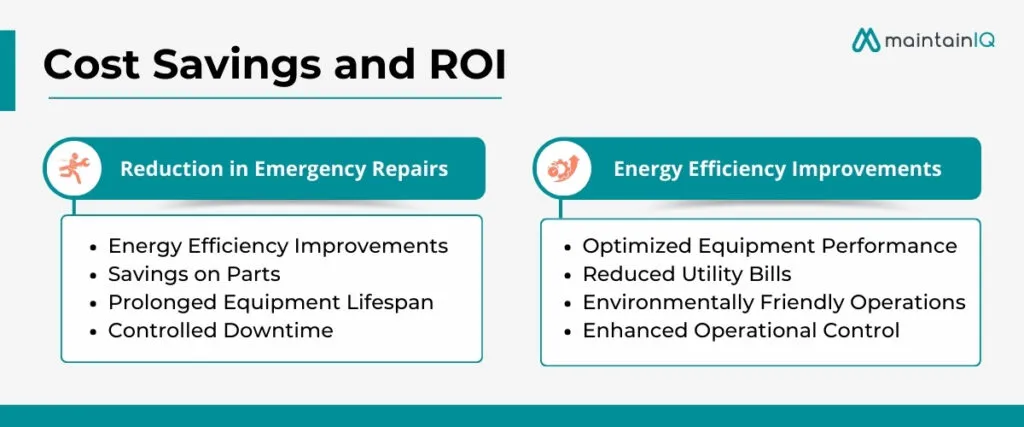
Quantifying the return on investment (ROI) for ap automation software for small business is essential for justifying the expense to stakeholders. The primary cost drivers include subscription fees, implementation consulting (if any), and training. On the benefit side, most businesses see savings in three key areas:
- Labor Reduction: By automating data entry, staff can reallocate time to higher‑value activities, often translating to a 20‑30 % reduction in AP labor costs.
- Early Payment Discounts: Faster processing enables you to capture vendor discounts for early payment, directly improving the bottom line.
- Error Avoidance: Each payment error can cost anywhere from $10 to $200 in fees and rework. Automation reduces error rates dramatically, delivering indirect savings.
For a small company processing 500 invoices per month, a modest reduction of 2 hours of manual work per day can represent an annual labor saving of over $10,000, far outweighing typical subscription costs that might range from $200 to $800 per month.
Future Trends and What to Expect

Automation is no longer limited to basic OCR and workflow routing. Emerging technologies are reshaping the AP landscape, and small businesses should keep an eye on the following trends:
- Machine Learning for Exception Handling: AI models learn from historical approvals and can automatically resolve common mismatches, further reducing manual review.
- Embedded Payments: Platforms are integrating directly with virtual card providers, allowing real‑time payment generation at the point of approval.
- Vendor Self‑Service Portals: Suppliers can upload invoices, check status, and receive electronic remittance advice, lowering inbound email volume.
- Blockchain for Provenance: Though still early, blockchain can provide immutable records of invoice authenticity, appealing to industries with high fraud risk.
Adopting ap automation software for small business today positions your company to take advantage of these innovations without a disruptive overhaul later. The modular nature of most cloud‑based solutions means you can add new capabilities as they mature, ensuring a future‑proof investment.
In summary, the journey from manual invoice processing to a fully automated AP environment is achievable for any small business willing to invest a modest amount of time and resources. By selecting a solution that integrates well with existing accounting tools, configuring workflows that mirror your internal approvals, and training staff early, you can unlock faster payments, stronger vendor relationships, and measurable cost savings. As the technology continues to evolve, staying informed about AI‑driven enhancements and new payment options will keep your finance function agile and competitive.