Table of Contents
- how much is NetSuite accounting software: Core Pricing Structure
- Subscription Fees
- User Licenses
- Optional Add‑Ons and Modules
- How Much Is NetSuite Accounting Software Compared to Competitors?
- Estimating the Total Cost of Ownership
- Tips for Reducing the NetSuite Investment
- Consolidate User Roles
- Leverage Bundle Discounts
- Negotiate Contract Length
- Utilize Free Training Resources
- Real‑World Examples of NetSuite Pricing in Action
- Financial ROI Considerations
- Where to Find Official Pricing Information
NetSuite has become a household name in cloud‑based enterprise resource planning (ERP) and accounting. Companies that once relied on on‑premise solutions are now turning to a unified platform that promises real‑time visibility, scalability, and automation. Yet, before committing resources, decision‑makers ask the same fundamental question: how much is NetSuite accounting software and what does the price include?
The answer is not a single figure. NetSuite structures its pricing around modules, user counts, and contract length, which means the total cost can vary dramatically from a startup with a handful of users to a multinational corporation with complex requirements. Understanding the components of the pricing model helps finance leaders evaluate whether NetSuite fits their budget and strategic goals.
In this article, we will break down the key elements that influence the cost, compare the pricing with other solutions, and provide practical tips for estimating the total investment. By the end, you should have a clear picture of how much is NetSuite accounting software for your specific situation.
how much is NetSuite accounting software: Core Pricing Structure
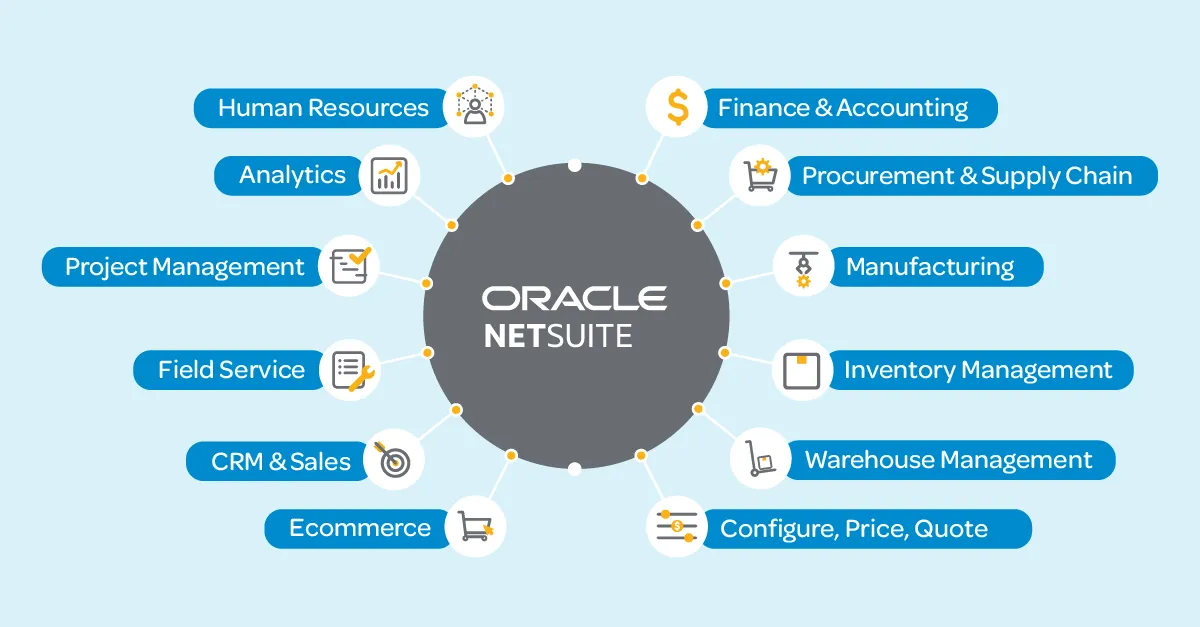
NetSuite’s pricing is built on three primary pillars: subscription fees, user licenses, and optional add‑ons. Each pillar can be customized, so the final amount reflects the unique mix of features a business selects.
Subscription Fees
The base subscription fee covers the core ERP platform, which includes the general ledger, accounts payable and receivable, financial reporting, and basic CRM functionality. This fee is typically quoted on a monthly basis and varies by the edition you choose:
- NetSuite ERP – Designed for midsize enterprises, this edition starts at roughly $999 per month.
- NetSuite OneWorld – Tailored for global businesses with multi‑currency and multi‑subsidiary needs, pricing starts around $1,699 per month.
- NetSuite SuiteSuccess – Industry‑specific bundles (e.g., manufacturing, retail) that include pre‑configured processes; pricing is higher, often beginning at $2,000 per month.
These figures represent the baseline cost before adding users or extra modules. The subscription fee is the first component that answers how much is NetSuite accounting software for a particular edition.
User Licenses
NetSuite charges per user, with two main license types:
- Full‑Access Licenses – Provide unrestricted access to all modules and customization tools. Prices range from $99 to $199 per user per month, depending on the edition.
- Limited‑Access Licenses – Offer read‑only or role‑specific access (e.g., employee self‑service). These typically cost between $39 and $79 per user per month.
For example, a midsize company using NetSuite ERP with five full‑access users and ten limited‑access users would see an additional monthly cost of roughly $1,150 to $1,550. Multiplying by 12 months gives an annual user‑license expense of $13,800 to $18,600.
Optional Add‑Ons and Modules
Beyond the core accounting suite, NetSuite offers a catalog of specialized modules that can be attached for an extra fee. Common add‑ons include:
- Advanced Revenue Management
- Project Accounting
- Warehouse Management System (WMS)
- SuiteAnalytics Advanced
Each module typically adds $250 to $750 per month per user, though volume discounts may apply. Adding a single module for ten users could increase the total cost by $3,000 to $9,000 annually.
How Much Is NetSuite Accounting Software Compared to Competitors?
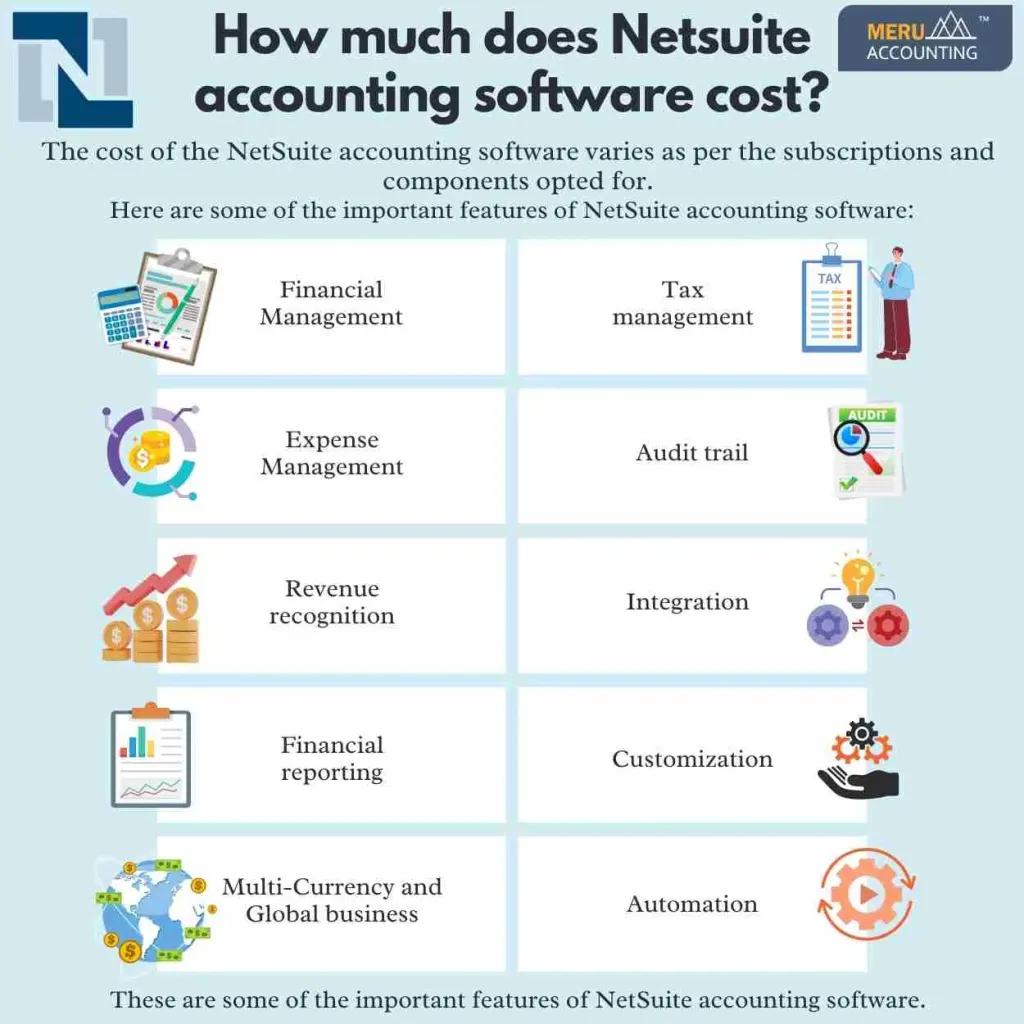
When evaluating how much is NetSuite accounting software, it is useful to benchmark against other popular solutions. QuickBooks Online, for instance, starts at $25 per month for basic bookkeeping, while more advanced plans climb to $150 per month. However, QuickBooks lacks the integrated ERP capabilities that NetSuite provides.
Another relevant comparison is the Small Business Accounting Software Other Than QuickBooks: Top Alternatives guide, which outlines options such as Sage Intacct and Xero. Sage Intacct’s pricing begins around $400 per month plus user fees, positioning it between QuickBooks and NetSuite in terms of cost and functionality.
For enterprises that need multi‑entity consolidation, real‑time financial analytics, and global compliance, NetSuite’s higher price point is often justified by the reduction in disparate systems and manual data entry. The total cost of ownership (TCO) should therefore factor in savings from process automation, decreased IT overhead, and improved decision‑making speed.
Estimating the Total Cost of Ownership
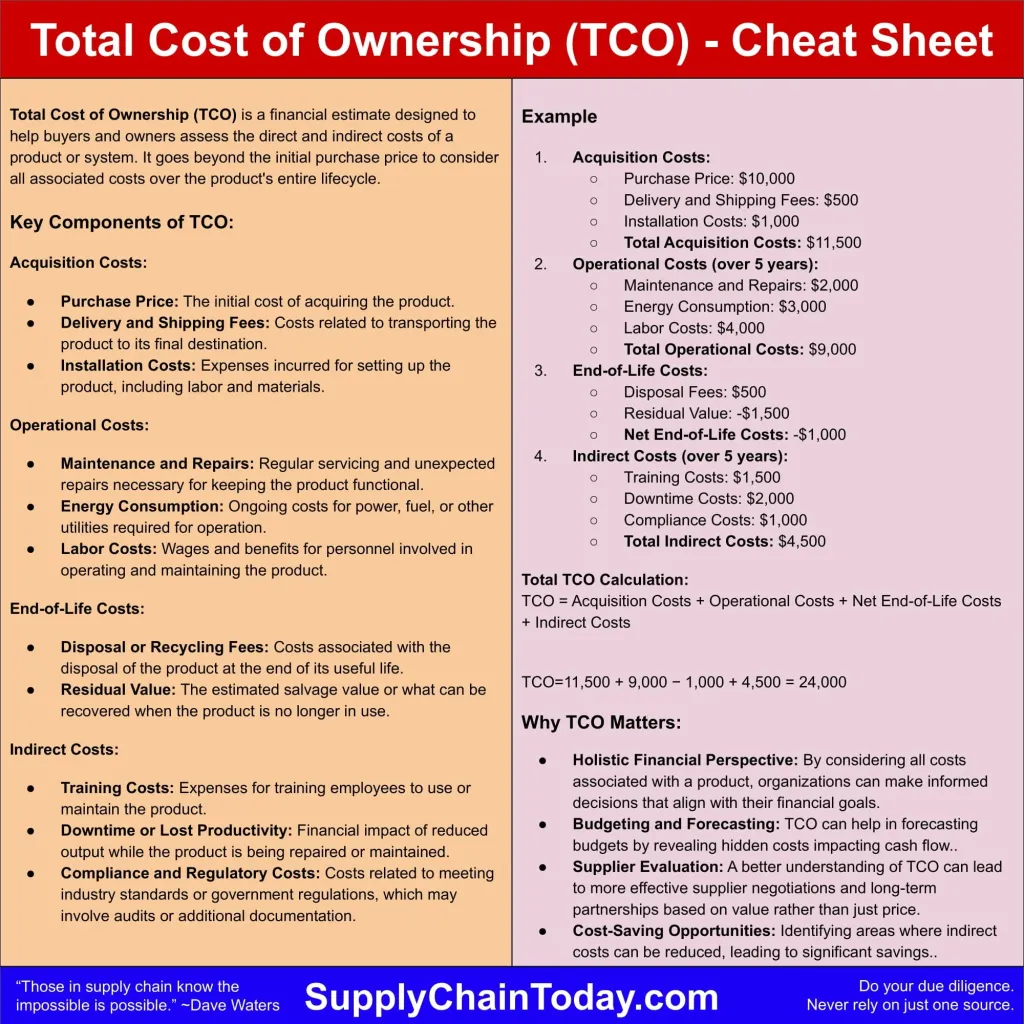
To answer the core question—how much is NetSuite accounting software for your organization—you need to calculate the total cost of ownership over a typical three‑year contract. The formula is straightforward:
Total Cost = (Subscription Fee + User Licenses + Add‑Ons) × 12 months × Contract Years
Let’s walk through a realistic scenario:
- Edition: NetSuite ERP ($999/month)
- Full‑Access Users: 8 × $150 = $1,200/month
- Limited‑Access Users: 12 × $50 = $600/month
- Add‑On Modules: Advanced Revenue Management for 8 users at $300/month = $2,400/month
Monthly total = $999 + $1,200 + $600 + $2,400 = $5,199
Annual total = $5,199 × 12 = $62,388
Three‑year TCO = $62,388 × 3 = $187,164
While the headline number may seem high, it must be weighed against the efficiencies gained. For instance, automating intercompany eliminations can save dozens of accountant hours each month, translating into significant labor cost reductions.
Tips for Reducing the NetSuite Investment

Even though NetSuite’s pricing is transparent, there are ways to optimize the spend without compromising essential functionality. Below are practical steps:
Consolidate User Roles
Analyze daily workflows to identify users who can operate with limited‑access licenses instead of full‑access ones. Reducing just a few full‑access seats can cut the monthly bill by several hundred dollars.
Leverage Bundle Discounts
NetSuite often offers bundled pricing for multiple modules purchased together. Engaging a certified NetSuite partner can unlock these discounts and provide a clearer roadmap for future expansion.
Negotiate Contract Length
Longer contracts typically come with better per‑month rates. If your organization has stable requirements, a three‑year agreement may secure a 5‑10% discount compared to an annual renewal.
Utilize Free Training Resources
Investing in internal training reduces reliance on external consultants. NetSuite’s SuiteAnswers portal and community forums offer extensive self‑service documentation.
Real‑World Examples of NetSuite Pricing in Action
Consider a technology startup that grew from 10 to 50 employees within two years. Initially, they purchased NetSuite OneWorld with 5 full‑access licenses and 5 limited‑access licenses, paying roughly $3,500 per month. As the headcount expanded, they added 30 limited‑access users and two add‑on modules, raising the monthly cost to $7,200. Over a three‑year horizon, the total spend approached $260,000.
Contrast this with a mid‑market manufacturing firm that opted for the SuiteSuccess Manufacturing bundle. Their base subscription was $2,200 per month, with 12 full‑access users ($1,800) and 20 limited‑access users ($1,000). Adding a Warehouse Management System contributed $1,500 per month. Their monthly outlay settled at $6,500, or $234,000 over three years. Both cases illustrate how the same core question—how much is NetSuite accounting software—depends heavily on user composition and optional features.
Financial ROI Considerations
When evaluating the cost, it is essential to look beyond the line items and focus on return on investment (ROI). NetSuite’s integrated environment can deliver measurable benefits such as:
- Reduced month‑end close time (often from 10 days to 3 days)
- Lower audit preparation expenses due to real‑time audit trails
- Elimination of duplicate data entry across disparate systems
- Improved cash flow forecasting accuracy, leading to better working capital management
Many organizations report a payback period of 12–18 months after fully implementing NetSuite, especially when the platform replaces multiple legacy applications. Calculating ROI involves quantifying these operational gains against the total cost derived earlier.
Where to Find Official Pricing Information
NetSuite does not publish a fixed price list on its website. Instead, prospective customers must request a personalized quote through an authorized reseller or directly from the vendor. This approach allows NetSuite to tailor the solution to specific industry needs, but it also means you should be prepared with data on:
- Number of users and their required roles
- Modules and add‑ons essential to your business processes
- Projected growth over the next three to five years
Armed with this information, you can negotiate a package that aligns with the answer to how much is NetSuite accounting software for your organization.
In summary, the cost of NetSuite accounting software is a combination of subscription fees, user licenses, and optional modules, all of which scale with company size and functional requirements. While the headline price may appear steep compared to basic bookkeeping tools, the platform’s comprehensive ERP capabilities, cloud‑native architecture, and ability to centralize financial data often justify the investment for growing businesses.
If you are still exploring alternatives, you might also review the General Ledger Software for Small Business – A Complete Guide, which outlines other options that could complement or replace specific NetSuite functions.
Ultimately, answering how much is NetSuite accounting software requires a clear understanding of your own operational needs, a realistic projection of user growth, and a disciplined approach to measuring the financial impact of the system. By following the steps outlined above, you can arrive at a well‑informed estimate and make a strategic decision that supports long‑term business success.