Table of Contents
- Why Choose Field Service Software that Integrates with QuickBooks?
- Key Features of Field Service Software that Integrates with QuickBooks
- Top Solutions on the Market
- ServiceTitan
- Jobber
- Housecall Pro
- Implementation Best Practices
- 1. Map Your Existing Processes
- 2. Pilot With a Small Team
- 3. Train Technicians and Office Staff
- 4. Monitor Data Quality
- 5. Leverage Automation
- Financial Impact and ROI
- Choosing the Right Partner
- Future Trends in Field Service and Accounting Integration
Running a field service operation means juggling schedules, parts inventory, technician routes, and customer invoices. When every dispatch is recorded on a spreadsheet and each invoice is entered manually into an accounting system, errors creep in and time is wasted. Companies that have moved to a unified platform report faster invoicing, clearer cash flow, and happier technicians.
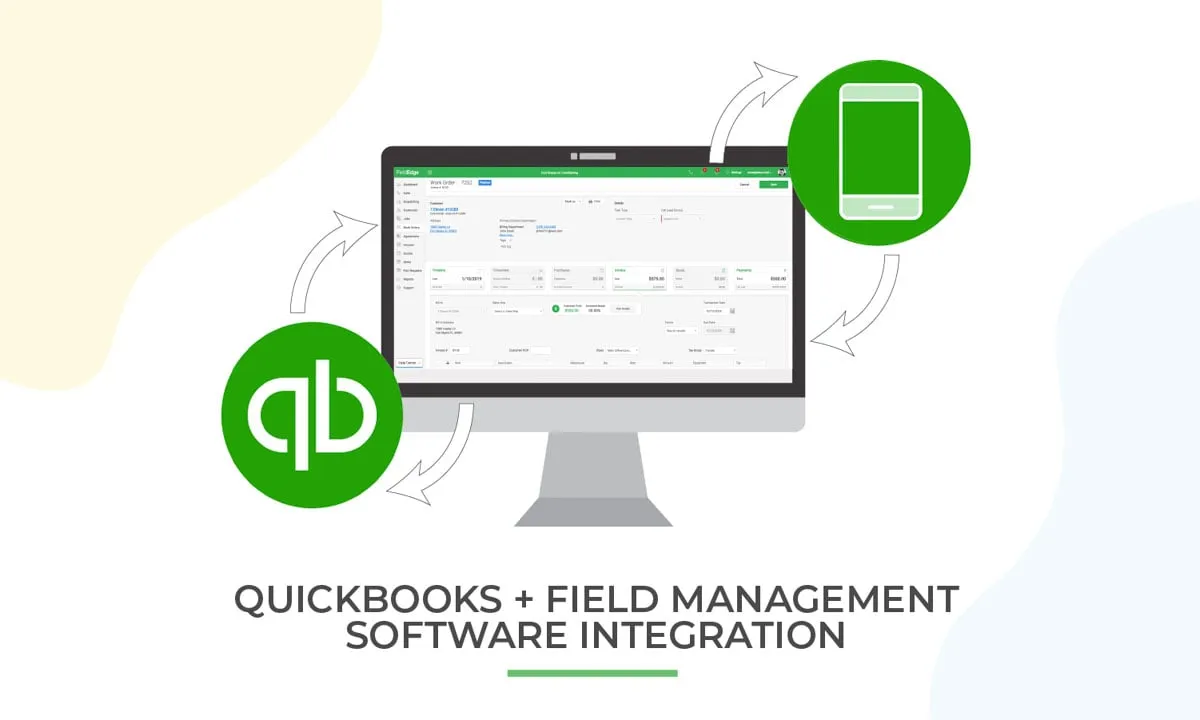
One of the most powerful ways to achieve that unity is to use a field service software that integrates with QuickBooks. The integration links job orders directly to the accounting ledger, synchronizes customer data, and automates revenue recognition. In practice, this means that when a technician completes a service call, the bill is ready for posting without a separate data‑entry step.
In this article we explore why such integration matters, what features to look for, and which solutions lead the market today. The goal is to give you a clear picture of how technology can turn a fragmented workflow into a smooth, data‑driven engine.
Why Choose Field Service Software that Integrates with QuickBooks?
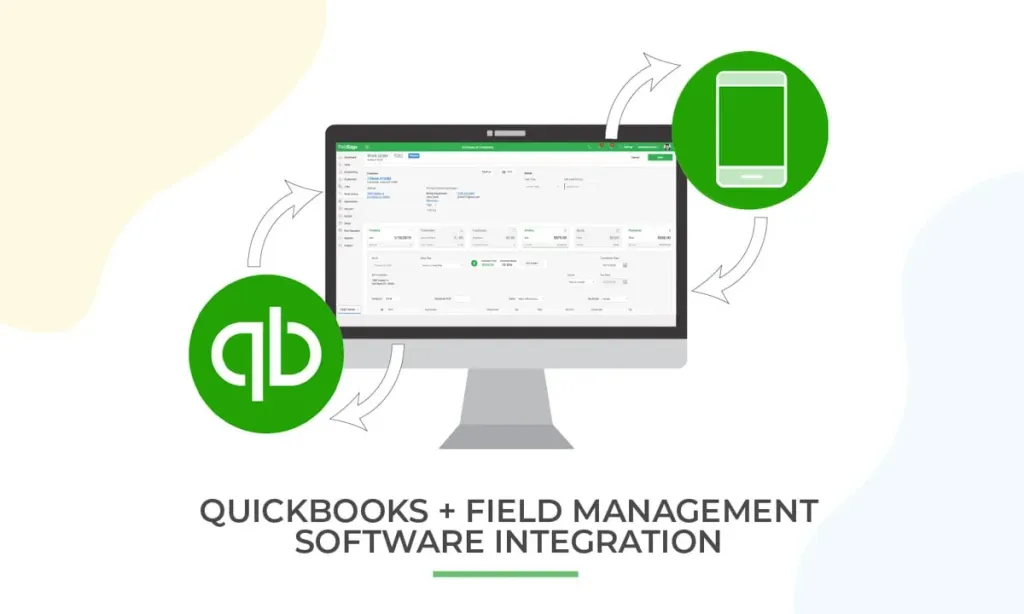
At its core, field service software that integrates with QuickBooks bridges two critical business functions: operations and finance. When the two systems talk to each other, several tangible benefits appear.
- Real‑time financial visibility: Revenue from completed jobs appears in QuickBooks as soon as the work order is closed.
- Reduced manual entry: Duplicate data entry is eliminated, cutting errors and freeing staff for higher‑value tasks.
- Improved cash flow management: Accurate invoicing dates enable better forecasting and quicker collections.
- Streamlined compliance: Audit trails are automatically generated, showing who approved each charge.
These outcomes are especially important for small and mid‑size service firms that cannot afford large accounting teams. By letting the software handle the back‑office details, owners can focus on growing the customer base.
Key Features of Field Service Software that Integrates with QuickBooks
Not every field service tool offers a seamless connection to QuickBooks. When evaluating options, keep an eye on the following capabilities.
- Bidirectional sync: Changes in QuickBooks—such as updated payment terms—should reflect in the service platform, and vice versa.
- Job costing and labor tracking: The system must capture time, materials, and travel costs, then push them to the correct expense accounts.
- Customer and asset management: A single view of each client’s history, contracts, and equipment reduces duplicate records.
- Mobile access: Technicians need to view schedules, update job status, and capture signatures on tablets or phones.
- Automation rules: Triggers that generate invoices, send payment reminders, or create purchase orders without manual steps.
When these elements work together, the field service software that integrates with QuickBooks becomes more than a scheduling tool—it turns into a financial command center.
Top Solutions on the Market

Several vendors have built robust integrations with QuickBooks Desktop and QuickBooks Online. Below is a snapshot of three leading platforms, each with its own strengths.
ServiceTitan
ServiceTitan is popular among HVAC, plumbing, and electrical contractors. Its native QuickBooks integration pushes completed job details into the accounting system in real time. The platform also offers advanced dispatching, inventory control, and a customer portal. For firms that need a high‑level marketing suite alongside field operations, ServiceTitan is a solid choice.
Jobber
Jobber targets small to midsize service businesses. Its QuickBooks sync is straightforward: invoices, estimates, and payments flow automatically. The interface is intuitive, making onboarding quick for teams that lack extensive IT support. Jobber also includes quoting tools and a client app, which helps maintain professional communication.
Housecall Pro
Housecall Pro combines scheduling, invoicing, and payment processing in a mobile‑first design. The QuickBooks integration supports both online and desktop versions, allowing technicians to capture job details on the go. Its pricing model is transparent, and the platform includes a built‑in marketing engine for email reminders and promotions.
Each of these options can be explored in greater depth through the field service management and scheduling software guide, which outlines additional criteria for selection.
Implementation Best Practices

Deploying a field service software that integrates with QuickBooks is not just a technical project; it requires change management across the organization. Follow these steps to ensure a smooth transition.
1. Map Your Existing Processes
Before you press “go live,” document how jobs are currently created, priced, and invoiced. Identify any manual steps that the integration will replace. This mapping helps you configure the software to match real‑world workflows.
2. Pilot With a Small Team
Start the rollout with one service crew and a handful of accountants. Gather feedback on mobile usability, data accuracy, and any sync delays. Adjust settings—such as default expense accounts or tax codes—based on the pilot results.
3. Train Technicians and Office Staff
Even the most intuitive system requires basic training. Provide short, hands‑on sessions that focus on daily tasks: opening a work order, logging time, and confirming a completed job. For the finance team, demonstrate how invoices appear in QuickBooks and how to reconcile payments.
4. Monitor Data Quality
During the first few weeks, run reports that compare field‑generated totals with QuickBooks balances. Spot discrepancies early and adjust integration mappings before they become entrenched.
5. Leverage Automation
Take advantage of automation rules offered by the platform. For example, set up automatic invoice generation when a job status changes to “completed,” or trigger a payment reminder two days after the invoice date. These small automations can dramatically reduce administrative overhead.
Financial Impact and ROI
Quantifying the return on investment for a field service software that integrates with QuickBooks helps justify the expense to stakeholders. The primary cost savings stem from reduced labor hours spent on data entry and faster invoice cycles.
- Labor cost reduction: If a technician spends an average of 15 minutes per job entering data, a crew of five handling 20 jobs a week saves roughly 25 hours monthly.
- Accelerated cash collection: Studies show that automated invoicing can shrink days sales outstanding (DSO) by 5–7 days, improving cash flow.
- Error mitigation: Manual entry errors can lead to costly rework and client dissatisfaction. Automated sync virtually eliminates this risk.
When these efficiencies are translated into dollar terms, many businesses see a payback period of less than a year.
Choosing the Right Partner

Beyond features and price, consider the vendor’s support model and integration roadmap. Does the provider offer a dedicated account manager? Are updates to QuickBooks handled automatically? A responsive support team can make the difference between a smooth rollout and a prolonged troubleshooting phase.
If your organization also uses other specialized tools—such as inventory management or payroll systems—look for a platform that supports additional connectors. For example, linking to an online payroll software for small business can close the loop between labor tracking and payroll processing.
Future Trends in Field Service and Accounting Integration
The landscape of field service technology is evolving rapidly. Artificial intelligence, predictive analytics, and IoT devices are beginning to shape how technicians diagnose problems before arriving on site. When these innovations feed into QuickBooks, businesses can anticipate parts needs, schedule preventive maintenance, and forecast revenue with greater accuracy.
Another emerging trend is the rise of unified platforms that combine CRM, field service, and accounting into a single cloud environment. While dedicated integrations remain common, the industry is moving toward all‑in‑one solutions that reduce the need for separate logins and data migrations.
Staying informed about these developments ensures that the field service software that integrates with QuickBooks you select today will remain relevant as your business grows.
In summary, adopting a field service software that integrates with QuickBooks transforms how service companies manage operations and finance. By automating data flow, providing real‑time visibility, and reducing manual work, the integration drives efficiency, improves cash flow, and supports sustainable growth. Careful selection, thoughtful implementation, and ongoing monitoring are key to unlocking the full potential of this technology.