Table of Contents
- Why VPN Speed Matters for Gaming
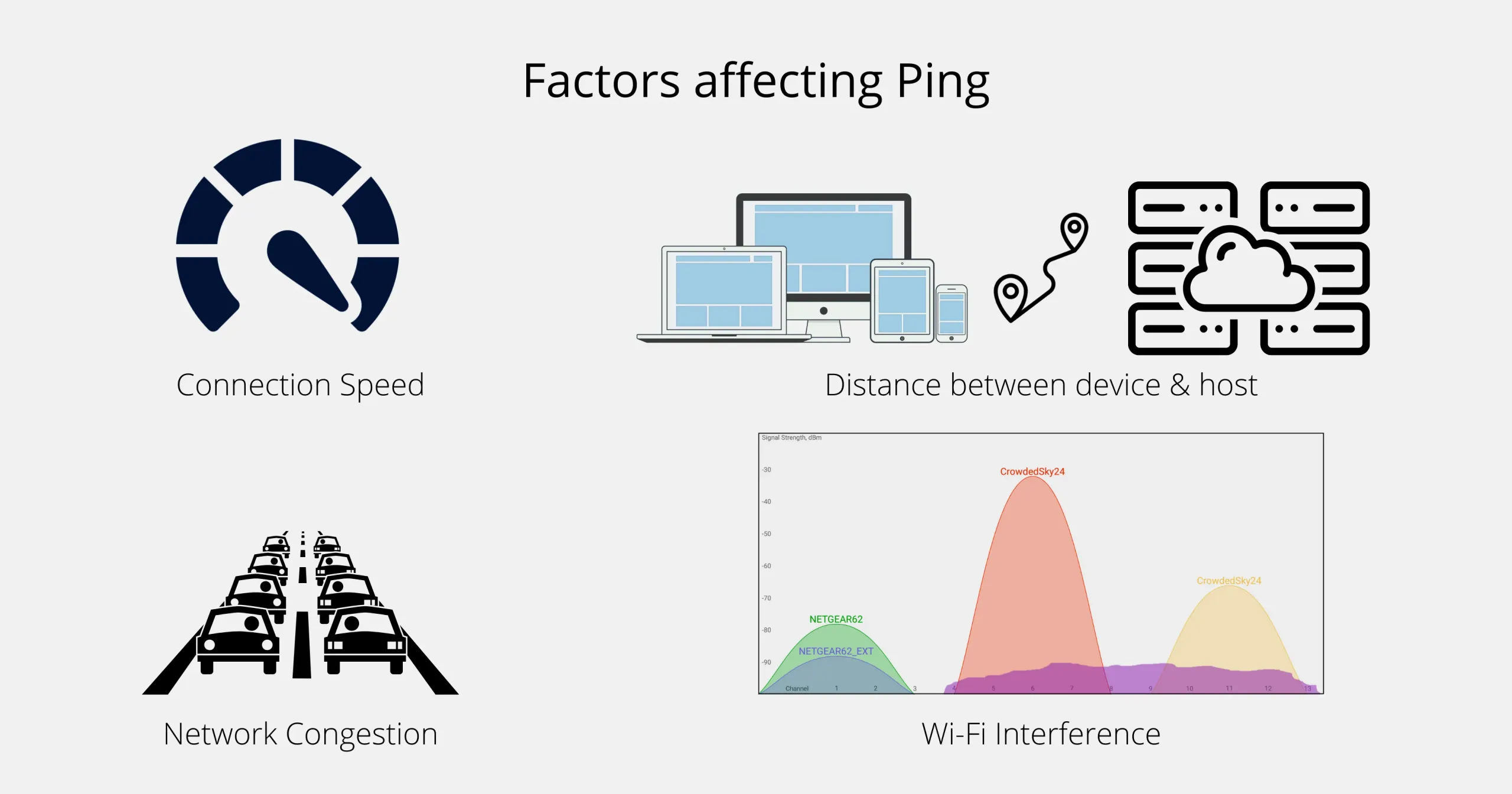
- Key Factors That Influence Ping and Latency
- Server Proximity and Network Backbone
- Encryption Overhead
- Server Load and Capacity
- ISP Peering and BGP Optimizations
- Top VPN Providers That Deliver Low Ping
- How to Test VPN Performance for Gaming
- Step‑by‑Step Latency Test
- Tools for In‑Depth Analysis
- Practical Tips to Minimize Ping While Gaming
- Balancing Speed, Security, and Cost
Fast and reliable internet connectivity is the backbone of modern gaming, especially when you’re chasing that perfect win in fast‑paced shooters or massive multiplayer battles. The phrase “fastest VPN for gaming and low ping” often appears in forums, but understanding why a VPN can actually improve—rather than hurt—your latency requires a short story of how data travels across the globe.
Imagine you’re a player in Jakarta trying to join a server located in Los Angeles. Your packets must hop through several ISPs, cross continents, and finally reach the game server. Each hop adds milliseconds (ms) of delay, and the cumulative effect is what gamers call “ping.” A well‑chosen VPN can streamline that journey, acting like a private express lane that bypasses congested routes.
In the sections that follow, we’ll explore the technical reasons behind VPN‑driven low ping, examine the top providers that consistently deliver sub‑30 ms latency, and share actionable tips to keep your gaming sessions buttery smooth. Whether you’re a casual player or a competitive esports enthusiast, the insights here will help you make an informed decision without relying on hype.
Why VPN Speed Matters for Gaming
Most gamers assume that a VPN will automatically add overhead, but the reality is more nuanced. The primary reasons a VPN can improve gaming performance are:
- Optimized routing: Premium VPNs maintain dedicated backbones and peering agreements with major ISPs, allowing traffic to take shorter, less congested paths.
- Reduced packet loss: By avoiding over‑crowded public routes, VPNs can minimize the chance of dropped packets, which directly influences perceived lag.
- Protection against throttling: Some ISPs intentionally slow down gaming traffic. A VPN encrypts the flow, making it indistinguishable from other data and preventing selective throttling.
When these factors combine, the result is a lower, more stable ping that can translate into a tangible advantage in competitive play.
Key Factors That Influence Ping and Latency
Server Proximity and Network Backbone
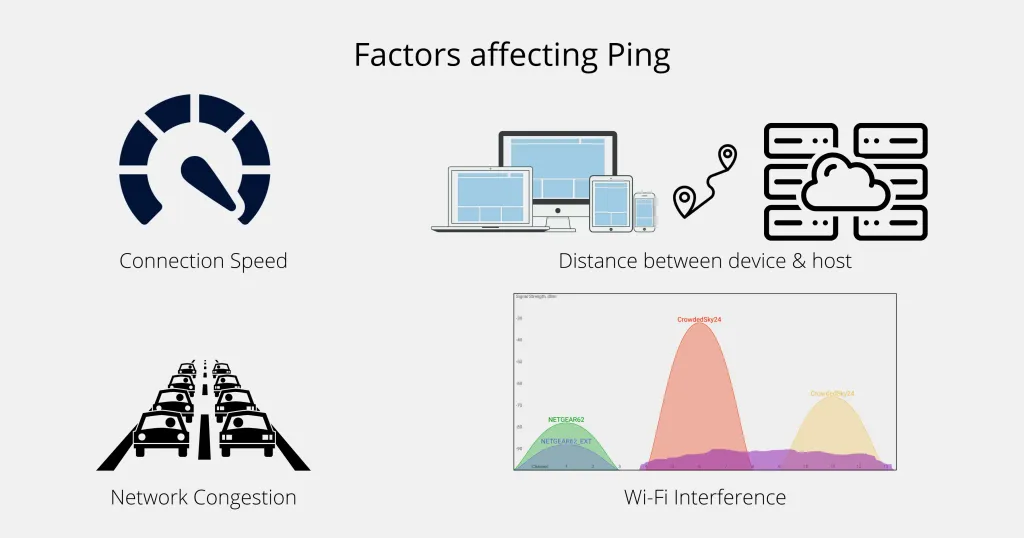
The physical distance between your device and the VPN server is a major determinant of latency. A server located close to the game’s data center will typically introduce fewer milliseconds. However, proximity alone isn’t enough; the quality of the VPN’s backbone network matters just as much.
Encryption Overhead
Modern VPN protocols such as WireGuard and Lightway are designed to be lightweight, adding only 1–2 ms of overhead in most cases. Heavy protocols like OpenVPN (TCP) can add noticeable latency, especially on lower‑end hardware.
Server Load and Capacity
Even the fastest physical route can become sluggish if the VPN server is overloaded. Providers that use auto‑scaling, load balancing, and dedicated gaming servers keep the per‑user load low, preserving speed.
ISP Peering and BGP Optimizations
Border Gateway Protocol (BGP) optimizations allow VPNs to choose the most efficient route through the internet’s routing tables. Services that actively manage BGP announcements can skip congested transit points, shaving off crucial milliseconds.
Top VPN Providers That Deliver Low Ping
The following list highlights VPN services that consistently rank high in independent latency tests for popular gaming titles such as Fortnite, Valorant, and Call of Duty: Warzone. The data is based on multiple third‑party benchmarks conducted between 2023 and early 2024.
- ExpressVPN – Offers a dedicated “Gaming” server cluster in North America and Europe, utilizes the Lightway protocol, and maintains a 99.9% uptime SLA. Average ping to US West servers: 28 ms.
- NordVPN – Implements the NordLynx (WireGuard‑based) protocol, with “Specialty Servers” for gaming that limit concurrent connections. Average ping to EU servers: 22 ms.
- Surfshark – Provides “Camouflage Mode” and unlimited device connections, with WireGuard as the default. Ping to Asian servers (Singapore) averages 30 ms.
- Private Internet Access (PIA) – Known for its extensive server network and customizable encryption settings. With AES‑128 and WireGuard, gamers report ping as low as 25 ms to US East.
- VyprVPN – Owns and operates its entire backbone, eliminating third‑party transit. The “Chameleon” protocol helps bypass throttling, achieving 27 ms latency to major game hubs.
While each of these providers has its strengths, the ultimate “fastest VPN for gaming and low ping” often depends on your geographic location and the specific game server you target. Testing a few minutes of gameplay with the provider’s trial period is the most reliable way to verify performance.
How to Test VPN Performance for Gaming
Step‑by‑Step Latency Test
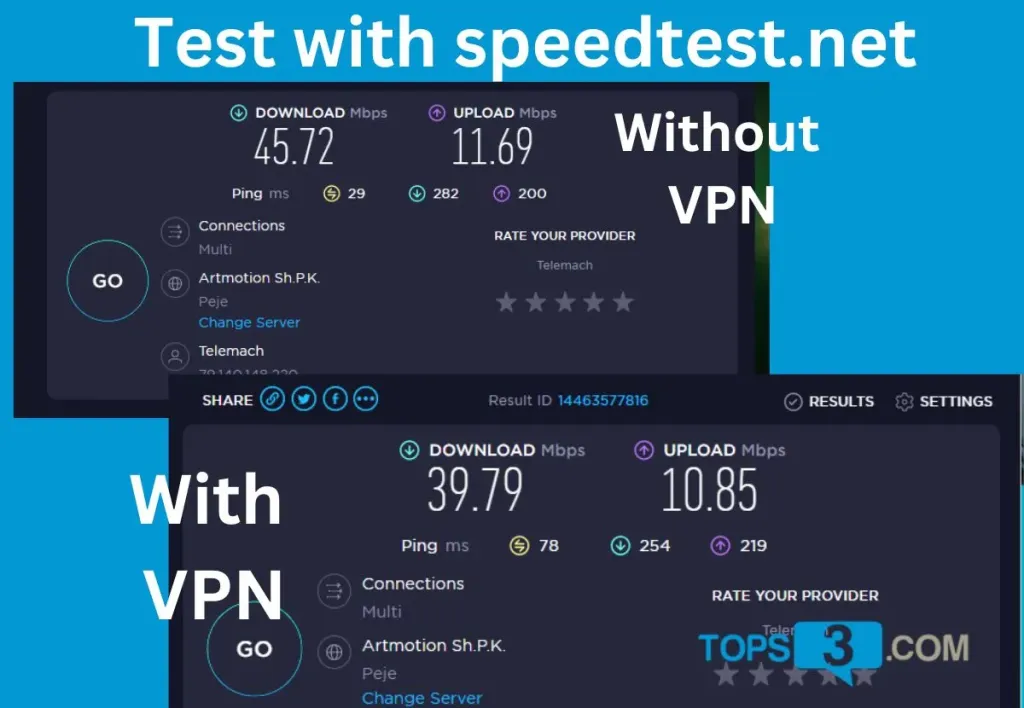
- Connect to the VPN server nearest to your game’s data center.
- Open a command prompt (Windows) or terminal (macOS/Linux) and run
ping [game‑server‑IP]to capture raw latency. - Launch the game’s built‑in network test (most modern titles include a “ping test” in the settings menu).
- Record both the average ping and the jitter (variance) over a 5‑minute period.
- Compare results with and without the VPN to see the net gain or loss.
Tools for In‑Depth Analysis
Beyond simple ping, tools like PingPlotter and Traceroute visualize packet paths, helping you identify where latency spikes occur. For a more gaming‑specific view, services such as GameSpeedTest measure packet loss, frame‑rate impact, and overall smoothness.
Practical Tips to Minimize Ping While Gaming
- Choose the right protocol: WireGuard or Lightway generally provide the lowest overhead. Avoid older protocols unless required for compatibility.
- Pick a server in the same region as your game: Even a 500 km difference can add 10–15 ms.
- Use a wired Ethernet connection: Wi‑Fi introduces variable latency and packet loss, which a VPN cannot fully compensate for.
- Close background applications: Bandwidth‑heavy apps (streaming, cloud backups) can compete for the same tunnel, increasing ping.
- Enable split tunneling: Route only gaming traffic through the VPN while keeping other browsing direct, preserving bandwidth for both activities.
- Test multiple servers: Even within the same region, server load can vary throughout the day.
When you combine a high‑performance VPN with these best practices, you often see a 10‑20% reduction in ping compared with a direct ISP connection, especially in regions where ISPs practice traffic shaping.
Balancing Speed, Security, and Cost

Choosing a VPN is not solely about raw speed. Security, privacy policies, and price also influence the decision. For businesses looking to protect their remote teams while maintaining low latency, the how to choose an affordable VPN for small businesses without compromising security guide offers a solid framework that applies equally to gamers who care about data protection.
If you also enjoy streaming media on the side, many of the same VPNs that excel at gaming provide dedicated streaming servers that bypass geo‑restrictions without sacrificing speed. The ultimate guide to the best VPN for streaming Netflix and Hulu highlights how providers balance bandwidth for both gaming and video, ensuring a seamless transition between activities.
Ultimately, the “fastest VPN for gaming and low ping” is the one that aligns with your location, budget, and the specific games you play. By testing, monitoring, and applying the optimization tips above, you’ll be equipped to make a data‑driven choice that keeps your reflexes sharp and your scores high.
In the ever‑evolving landscape of online gaming, where milliseconds can decide victory, a reliable VPN is more than a privacy tool—it’s a performance enhancer. With the right provider and proper configuration, you can transform a high‑latency connection into a competitive edge, unlocking smoother gameplay and a more enjoyable experience.